

Cart
0

Bousnic Grey Replacement Remote For P-Collar 650
Free Shipping Across USA
Couldn't load pickup availability
Vendor: Bousnic
Type: Collars
Sku: WBPETB0CBTZMKP7
Available: Sold Out
Sold by Petocart, an authorized reseller.
Returns accepted within 30 days | support@petocart.com
Shipping Information
- Free Shipping Across — United States only
- Processing Time: 3-5 business days
- Estimated Delivery: 6-10 business days
- Safely packaged to keep your pet's products fresh & intact
- Tracking number sent via email once dispatched
- Orders over $250 require signature upon delivery. Taxes calculated at checkout.
Returns & Refund
Returns accepted within 30 days of delivery.
Damaged or Defective Item
Free return shipping + replacement or full refund
Wrong Item Received
Free return shipping + replacement or full refund
Change of Mind
Return shipping at customer's expense · Restocking fee may apply
All returns require a Return Authorization (RA) number before sending.
View Full Return & Refund Policy
Safety & Compliance
⚠️
California Proposition 65 Warning
Some products sold on this website may expose you to chemicals known to the State of California to cause cancer, birth defects, or other reproductive harm.
www.P65Warnings.ca.gov
🐾
Pet Safety Advisory
Consult your veterinarian before use if your pet has a known medical condition, is pregnant, nursing, or is on medication.
Keep out of reach of children. For animal use only.
ℹ️
Product Usage Notice
Always read labels, directions, and ingredient lists before use. Discontinue use and contact your vet if your pet shows signs of adverse reaction.
Guarantee safe checkout


Bousnic Grey Replacement Remote For P-Collar 650
$39.85

Related products

#1 All Systems 27mm Firm Pin Brush, Large, Black - Premium Grooming Tool for Pets, Model 13039
Regular price
$41.08
Sold Out
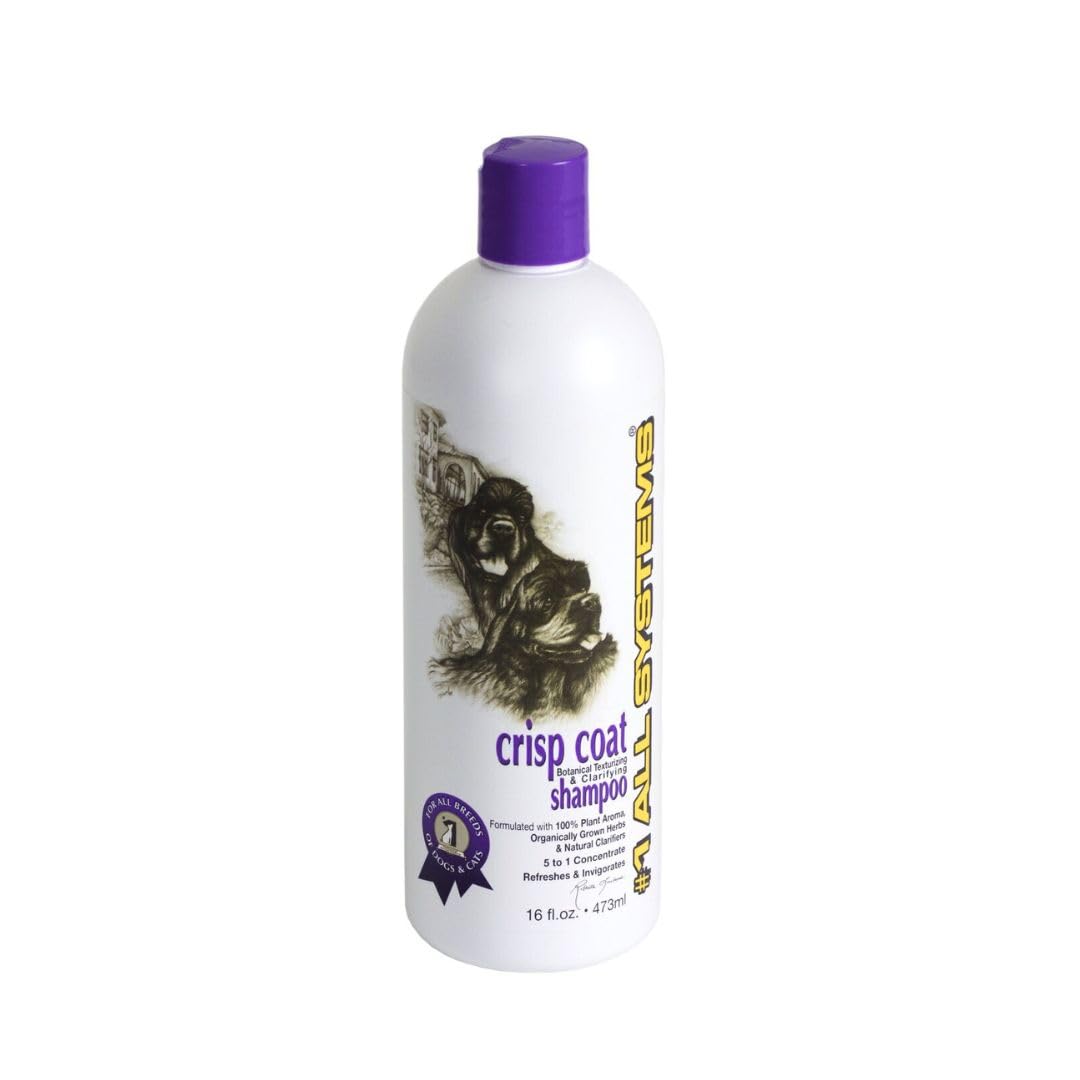
#1 All Systems Crisp Coat Botanical Texturizing And De-Toxifying Shampoo-16Oz
Regular price
$35.01
Sold Out
Frequently Asked Questions
- Q: What is the model of the remote? A: The model of the remote is P-Collar six hundred fifty. This model is specifically designed for use with the Bousnic P-Collar.
- Q: What color is the Bousnic replacement remote? A: The Bousnic replacement remote is grey. This color option is standard for this model.
- Q: What type of binding does the product have? A: The binding type is electronics. This indicates that it is an electronic device rather than a physical book or manual.
- Q: How do I pair the remote with the collar? A: To pair the remote with the collar, first select your channel on the remote. Then hold the ON/OFF button on the collar for four to five seconds until the LED blinks.
- Q: Can I use this remote on any other collar? A: No, this remote is designed specifically for the P-Collar six hundred fifty. Using it with other collars may not work.
- Q: How do I know if the pairing is successful? A: Successful pairing is indicated by the Green LED on the Receiver Collar blinking five times. This shows that the remote is connected.
- Q: What should I do if the remote stops working? A: If the remote stops working, ensure that it is charged and check if it is paired correctly. If issues persist, refer to the manufacturer for support.
- Q: Is the remote waterproof? A: No, the Bousnic remote is not waterproof. It’s important to keep it away from water to prevent damage.
- Q: How do I clean the remote? A: To clean the remote, use a soft, damp cloth. Avoid using harsh chemicals or submerging it in water.
- Q: What is the warranty period for the remote? A: The warranty period for the Bousnic remote typically covers one year. Check with the manufacturer for specific details.
- Q: Can I use this remote for training other pets? A: Yes, you can use this remote for training other pets, provided they are compatible with the P-Collar six hundred fifty.
- Q: Is there a user manual available for this remote? A: Yes, a user manual is usually included with the remote. It provides detailed instructions for use and troubleshooting.
- Q: What is the maximum range of the remote? A: The maximum range of the Bousnic remote is typically up to six hundred feet. This allows for effective training over a distance.
- Q: Are there any safety features included? A: Yes, the remote includes safety features such as a dual button press for activation, which helps prevent accidental shocks.
- Q: How do I store the remote when not in use? A: When not in use, store the remote in a cool, dry place. Avoid exposing it to extreme temperatures or moisture.