

Cart
0


Smoostart Bluetooth Microchip Scanner W91B, FDX-B/EMID, 500 Records, Black
Free Shipping Across USA
Couldn't load pickup availability
Vendor: Smoostart
Type: Dog-Collars & Leashes-Location & Activity Trackers
Sku: WBPETB0D1RMQXMN
Available: Sold Out
Sold by Petocart, an authorized reseller.
Returns accepted within 30 days | support@petocart.com
Shipping Information
- Free Shipping Across — United States only
- Processing Time: 3-5 business days
- Estimated Delivery: 6-10 business days
- Safely packaged to keep your pet's products fresh & intact
- Tracking number sent via email once dispatched
- Orders over $250 require signature upon delivery. Taxes calculated at checkout.
Returns & Refund
Returns accepted within 30 days of delivery.
Damaged or Defective Item
Free return shipping + replacement or full refund
Wrong Item Received
Free return shipping + replacement or full refund
Change of Mind
Return shipping at customer's expense · Restocking fee may apply
All returns require a Return Authorization (RA) number before sending.
View Full Return & Refund Policy
Safety & Compliance
⚠️
California Proposition 65 Warning
Some products sold on this website may expose you to chemicals known to the State of California to cause cancer, birth defects, or other reproductive harm.
www.P65Warnings.ca.gov
🐾
Pet Safety Advisory
Consult your veterinarian before use if your pet has a known medical condition, is pregnant, nursing, or is on medication.
Keep out of reach of children. For animal use only.
ℹ️
Product Usage Notice
Always read labels, directions, and ingredient lists before use. Discontinue use and contact your vet if your pet shows signs of adverse reaction.
Guarantee safe checkout


Smoostart Bluetooth Microchip Scanner W91B, FDX-B/EMID, 500 Records, Black
$39.85

Related products

#1 All Systems 27mm Firm Pin Brush, Large, Black - Premium Grooming Tool for Pets, Model 13039
Regular price
$41.08
Sold Out
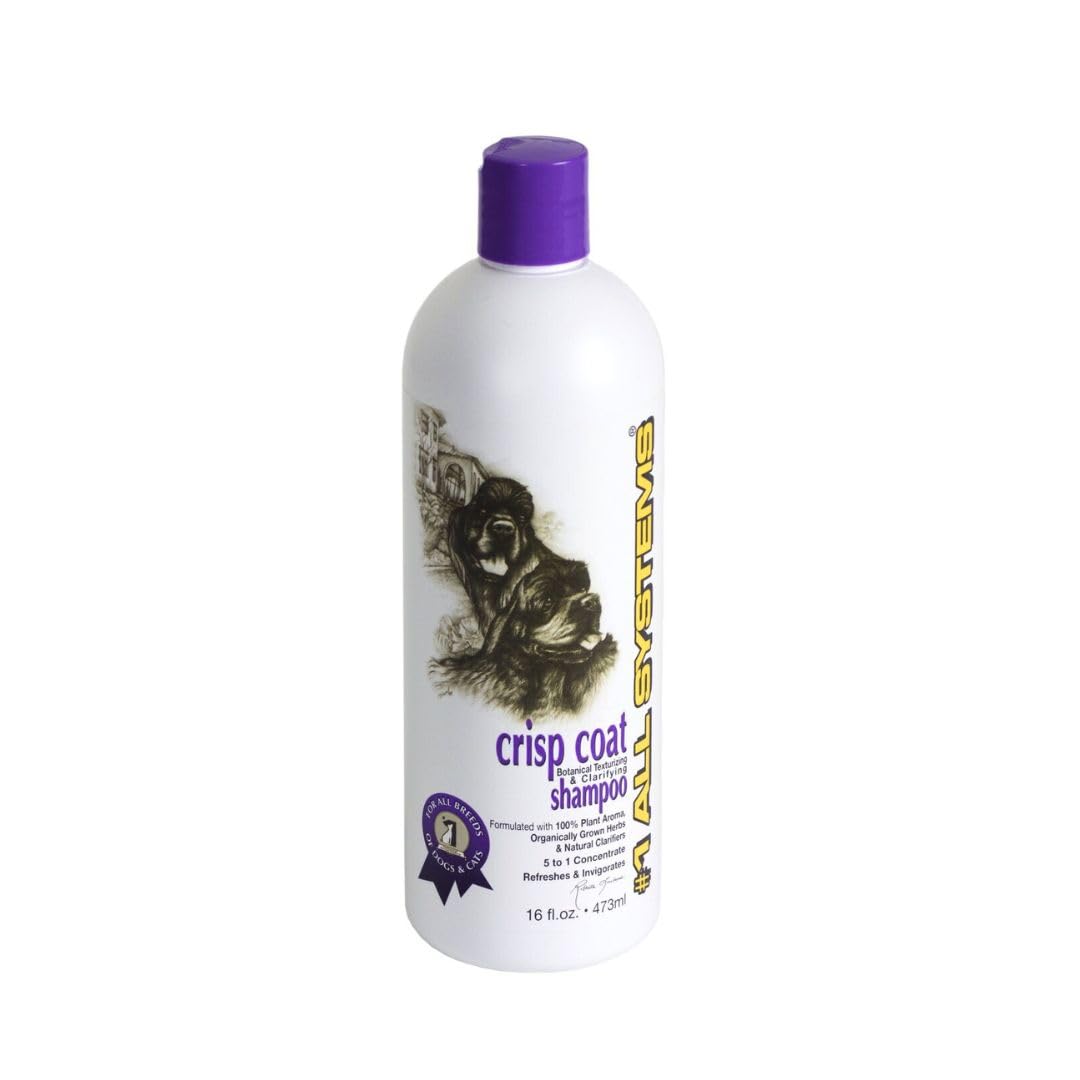
#1 All Systems Crisp Coat Botanical Texturizing And De-Toxifying Shampoo-16Oz
Regular price
$35.01
Sold Out
Frequently Asked Questions
- Q: What type of microchips does this scanner read? A: This scanner reads FDX-B and EMID microchips. It does not support AVID microchips or any other formats.
- Q: What is the battery type used in this scanner? A: This scanner uses a high-capacity lithium ion battery. It offers improved performance and faster charging.
- Q: How many records can this scanner store? A: The scanner has a storage capacity of five hundred records. Historical data can be viewed or cleared directly on the device.
- Q: How do I connect the scanner to my device? A: You can connect the scanner via USB cable, Bluetooth, or 2.4G wireless. Each method allows for data interaction with compatible devices.
- Q: Can I upload data from the scanner to my phone? A: Yes, you can upload data from the scanner to your cell phone. This allows for easy access and management of your records.
- Q: How do I clear the history on the scanner? A: You can clear the history directly on the scanner. This function is easily accessible through the adjustable menu settings.
- Q: How should I store this microchip scanner? A: Store the scanner in a cool, dry place. Avoid exposing it to extreme temperatures or moisture to ensure longevity.
- Q: Is this scanner safe for pets? A: Yes, the scanner is safe for pets. It features a sound-off option to avoid disturbing animals during scanning.
- Q: How can I clean the scanner? A: To clean the scanner, use a soft, dry cloth. Avoid using harsh chemicals that could damage the device.
- Q: What if the scanner arrives damaged? A: If the scanner arrives damaged, contact customer support for assistance. They will guide you through the return or replacement process.
- Q: Is this scanner suitable for beginners? A: Yes, the scanner is suitable for beginners. Its adjustable menus and multiple functions make it user-friendly.
- Q: Can I use the scanner with a computer? A: Yes, you can use the scanner with a computer. It connects easily via USB for data interaction.
- Q: What if I have trouble connecting the scanner? A: If you encounter connection issues, ensure that Bluetooth is enabled on your device and try reconnecting. Refer to the user manual for troubleshooting tips.
- Q: Does the scanner require special software? A: No, the scanner does not require special software. It can connect directly to most devices for data access.
- Q: What are the adjustable menu features? A: The adjustable menu features include viewing and clearing history, uploading data, and adjusting screen brightness and volume.
- Q: Can I pair the scanner with multiple devices? A: Yes, the scanner can be paired with multiple devices. It supports connection to computers, cell phones, and tablets.